
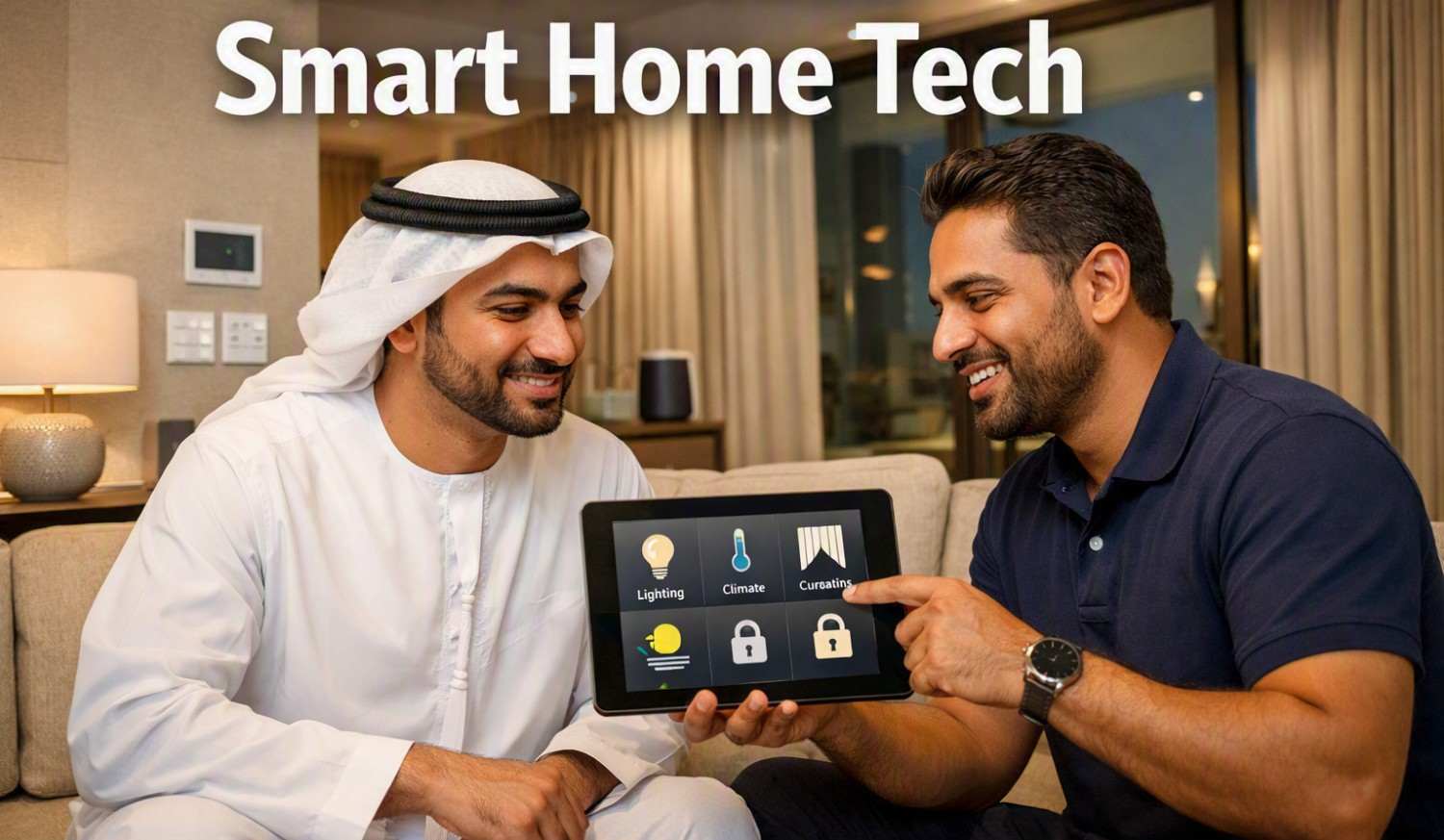
What Should You Know Before Installing Home Automation at Home First
Before choosing a Home Automation Company in Dubai, it is useful to understand how a home automation system works and what you actually need. Home automation connects different devices in a home so they can be controlled from a phone, tablet, voice assistant, or a central control system. Before installation, homeowners should consider their daily habits, home layout, internet connection, device compatibility, and future needs.
Understand What Home Automation Means
Home automation can control different parts of a home, including lights, curtains, air conditioning, security cameras, door locks, entertainment systems, and sensors. These devices can work separately or together through a common control system.
The main purpose is to make everyday tasks easier. For example, lights can be scheduled to turn on at a certain time, or air conditioning can be adjusted remotely. Understanding these basic functions helps you decide which features are useful and which ones you may not need.
Decide What You Want to Automate
It is better to start with a clear list of your requirements. Think about the activities you repeat every day.
You may want to automate:
- Indoor and outdoor lighting
- Air conditioning
- Curtains and blinds
- Door locks
- Security cameras
- Motion sensors
- Home entertainment
- Garden irrigation
- Energy monitoring
You do not need to automate everything at once. Starting with a few important areas can make the system easier to understand and manage.
Check Your Internet Connection
Many smart home devices depend on a stable internet or local network connection. A weak Wi-Fi signal can cause delays or connection problems, especially in larger homes.
Before installation, check whether the Wi-Fi signal reaches all areas where smart devices will be placed. In some cases, additional access points or a better network setup may be needed.
It is also useful to understand which devices continue working when the internet is unavailable. Some systems can perform basic functions locally, while others depend more heavily on cloud services.
Check Device Compatibility
Not every smart device works with every automation platform. A light, thermostat, security camera, or smart lock may use a different communication method or software.
Before buying devices, check whether they can work together. Choosing compatible products can reduce setup problems and make future expansion easier.
It is also important to check whether the system supports common communication standards. A system based on widely supported technology can provide more flexibility when adding new devices later.
Think About Wired and Wireless Systems
Home automation systems can use wired connections, wireless connections, or a combination of both.
Wired systems can be useful during new construction or major renovation because cables can be placed inside walls. They can provide stable connections for many fixed devices.
Wireless systems are often easier to add to an existing home because they require less physical work. However, wireless performance depends on network coverage, building materials, and the location of devices.
The right option depends on the property, construction stage, budget, and type of automation required.
Plan for Future Changes
A home automation system should not only meet your current needs. Think about what you may want to add later.
For example, you may start with lighting and air conditioning and later add security cameras, smart locks, motorised curtains, or entertainment controls.
A flexible system makes future additions easier. During planning, leave room for extra devices, network requirements, power points, and control options.
Consider Privacy and Security
Smart home devices can collect information about how a home is used. Cameras, door locks, sensors, and voice-controlled devices may handle sensitive information.
Use strong passwords and change default login details. Keep device software and automation applications updated. Where possible, use secure Wi-Fi and separate smart devices from important personal computers and other sensitive equipment.
It is also worth checking what information a device collects, where it is stored, and which services can access it.
Check Power and Backup Requirements
Some automated devices need continuous power to operate. Think about what should happen if there is a power cut.
Security equipment, smart locks, network devices, and other important systems may need backup power depending on their purpose. Battery-powered devices should also be checked regularly so they do not stop working unexpectedly.
Understanding these requirements before installation can help prevent problems later.
Make the Controls Easy to Use
A smart home should remain simple for everyone who uses it. Too many apps, switches, and complicated routines can make a system difficult to manage.
Try to keep common controls easy to find. For example, frequently used lights or temperature settings can be grouped into simple scenes. A “leaving home” setting could turn off selected lights and adjust other devices with one command.
Simple controls are especially helpful when different family members use the system.
Plan the Installation Carefully
Before installation begins, consider device locations, cable routes, network coverage, electrical points, and access for future maintenance. Sensors should be positioned where they can work properly, while cameras should provide useful views without unnecessarily covering private areas.
Taking time to plan these details can reduce changes during installation and help the system work reliably after setup.
When selecting a Home Automation Company in Dubai, understanding these basic points first can help you ask better questions, compare suitable system options, and plan an automation setup that matches the home’s layout, daily routines, security needs, and future requirements.